New Quizzes: Enhancing Online Assessment in Canvas

Looking to refresh your assessments in Canvas? New Quizzes is the platform’s next-generation tool, designed to make building and delivering quizzes more flexible, interactive, and insightful—and it’s a feature option you can enable right within your course. With new question types like categorization and stimulus-based prompts, plus cleaner workflows and improved analytics, it opens up new possibilities for engaging students and understanding their learning.

If you’re used to Classic Quizzes, you’ll find New Quizzes feels familiar—but with more room to experiment. Classic Quizzes is still a solid, straightforward option, and contains features like anonymous surveys that are still missing in New Quizzes, but New Quizzes is where Canvas is investing for the future. If you’re curious about new ways to design assessments or want deeper insight into student performance, it’s definitely worth turning it on and giving it a try. Contact Brandon Bucy or Helen MacDermott with your New Quizzes questions (or really any of your Canvas questions!).
Roll Call: Taking Attendance with Canvas

Attention faculty: are you looking for a way to manage attendance in your classes? The Roll Call Attendance tool in Canvas provides instructors with a simple way to track student attendance directly within your course site. With just a few clicks, faculty can mark students as present, absent, or late for each class meeting. The tool automatically records attendance and can calculate a running attendance score that appears in the course gradebook if you choose to use it. Because it is built directly into Canvas, Roll Call Attendance helps streamline record-keeping and makes it easy for you to monitor participation and identify patterns in student attendance throughout the term.

Want to learn more? Need assistance activating Roll Call Attendance in your course? Contact Brandon Bucy today!

New! Self-paced Canvas Instructor Training!

Truth? Brandon and I love teaching about Canvas.

We really enjoy having a computer lab chock full of professors eager to absorb all they can about the University’s learning management system and we also dig Zoom meetings with those needing a refresher about how to build a peer review assignment or use Speedgrader to grade assignments. 

We also understand that it’s difficult to commit to hour-long training, especially as the start of term creeps closer and closer.

As such, we’ve put together a totally asynchronous, self-paced Canvas tutorial consisting of short videos and links to the Canvas Instructor Guides that contains all you need to navigate Canvas, create assignments and assessments, build a course, grade, and give feedback. 

Self-enroll at: https://wlu.instructure.com/enroll/FJXDPE

Heck, if you don’t even want to join the tutorial, you can just watch any or all the videos here: https://wlu.yuja.com/V/PlayList?node=5138751&a=1547137616&autoplay=1 [must log in with W&L credentials]. 

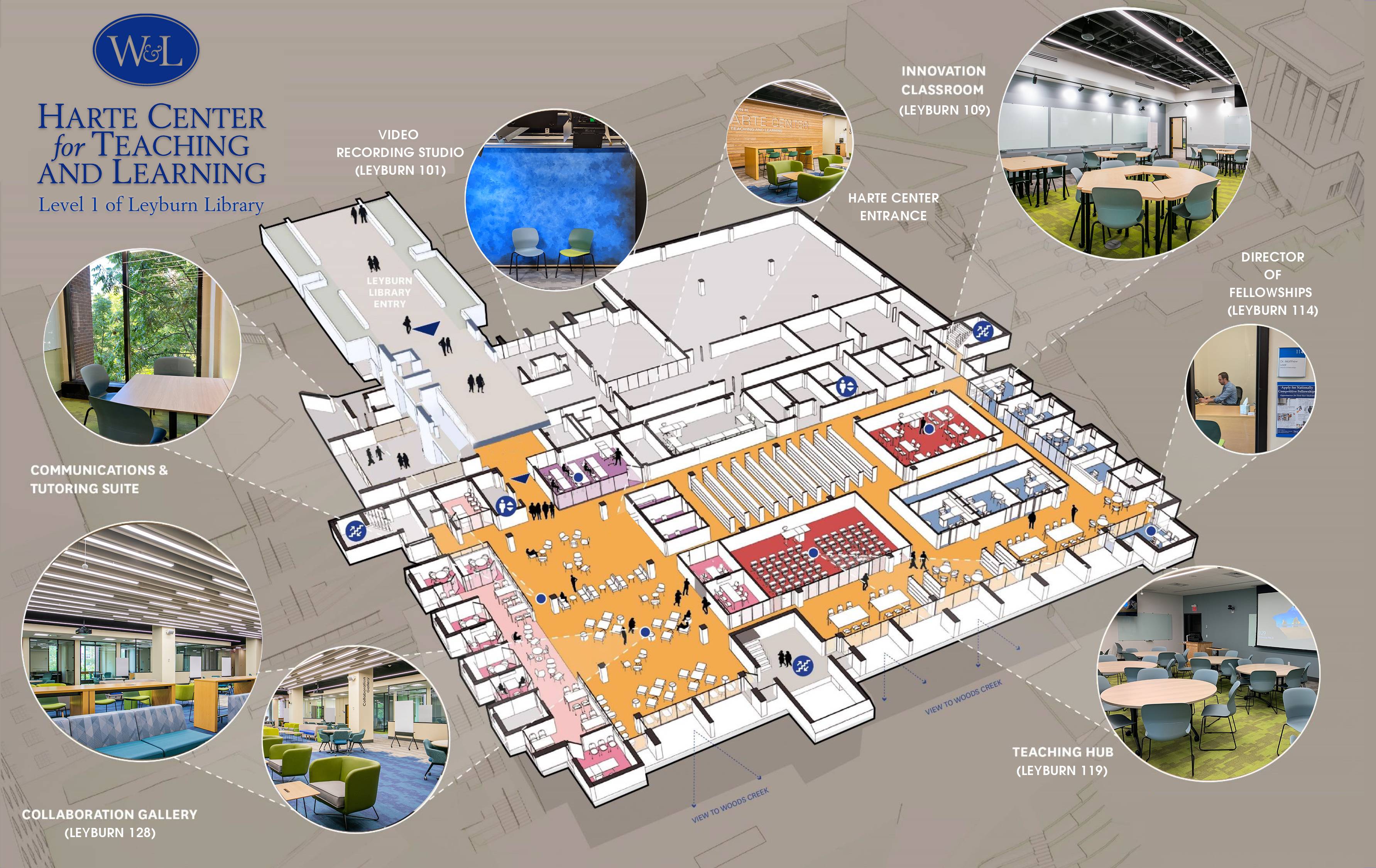
Whether you email, call, or stop by our offices — we’re now located in the Harte Center on lowel level 1 in Leyburn Library — we’re always happy to answer questions, problem solve, and troubleshoot.