As Spring Term comes to a close, things are heating up at Leyburn Library. We are gearing up for the Spring Festival, Friday, May 19th from noon to 2 pm. Faculty and students alike have been actively engaged in learning this term and are excited to share their knowledge with you. 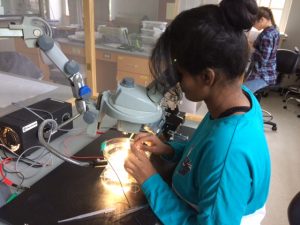
Spring term is known for its in-depth immersion into a narrow topic that allows students to delve deep, and dedicate four weeks of their spring to becoming subject matter experts. Some exhibits are student lead–check out their interactive exploration of the refugee crisis from W&L students’ first hand experiences  working with refugees in Germany and Greece last summer. Others are sharing their experiences through student-made movies, posters displaying their foray into science topics, their recreation of theater’s special effects, and virtual reality displays that allows you to experience a few moments of their term.
Join us for this exciting display of student learning on Friday, May 19th, at the the courtyards surrounding Leyburn Library and on Leyburn library’s main floor. Then stop by the back side of Wilson Hall at 3:30 pm and watch the Dance 390 students put on an amazing aerial dance performance!


